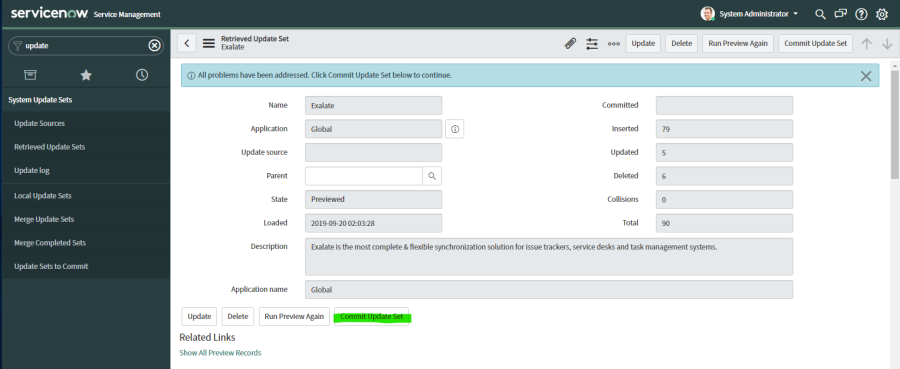
This article applies to Exalate Classic only. For New Exalate, refer to this documentation.
You can install Exalate for ServiceNow with an .xml File.
In ServiceNow, these files are called update sets.
To configure Exalate in your ServiceNow instance follow these steps:
1. Download the update set.
You can download the Exalate update package here: Download exalate_update_package.xml
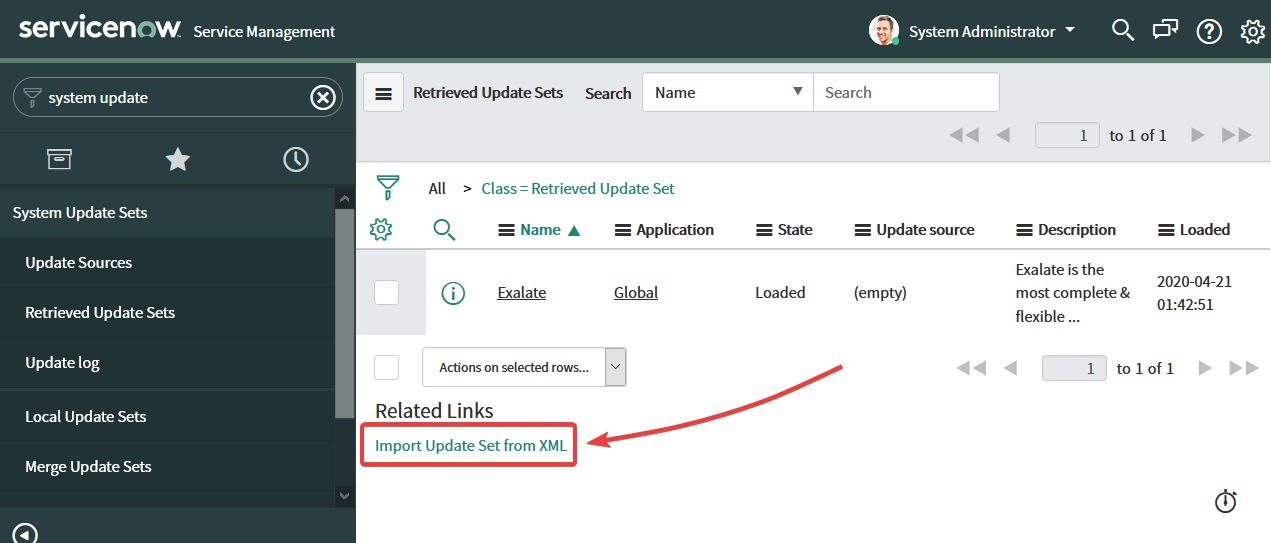
2. Go to System Update Sets → Retrieved Update Sets.
3. Click Import Update Set from XML under the Related Links.
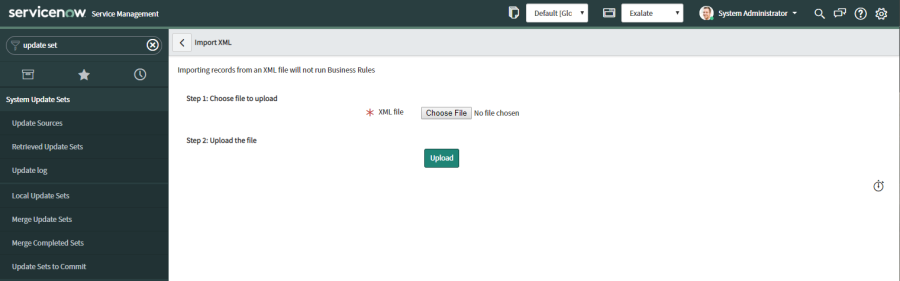
4. Upload the downloaded XML file.
To upload the file:
- Choose the file from your computer.
- Click Upload.
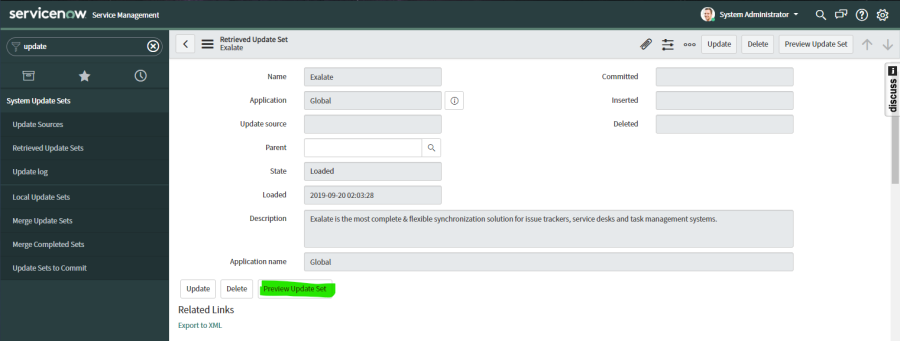
5. Open the Exalate update set and select Preview Update Set.
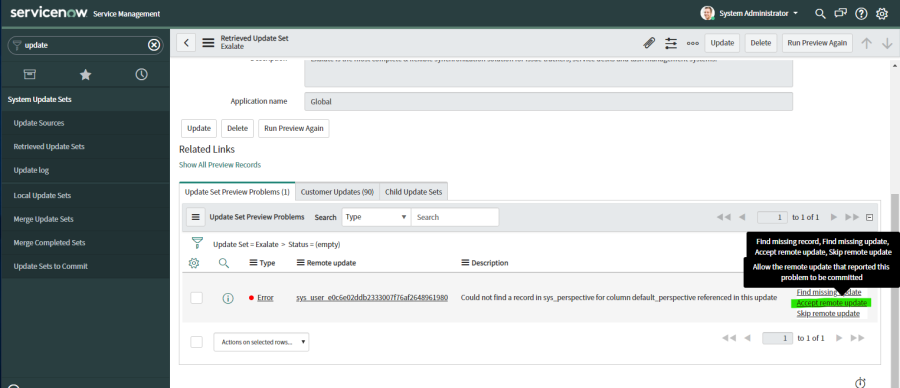
Note: In some cases, you could encounter the following error during the preview:
Found a local update that is newer than this oneTo finish the installation, navigate to Update Set Preview Problems → Accept remote update.
|
|