The Connection Details page gives you a comprehensive view of everything happening within a specific connection, on both sides.
How to Access
You can open the Connection Details page in two ways:
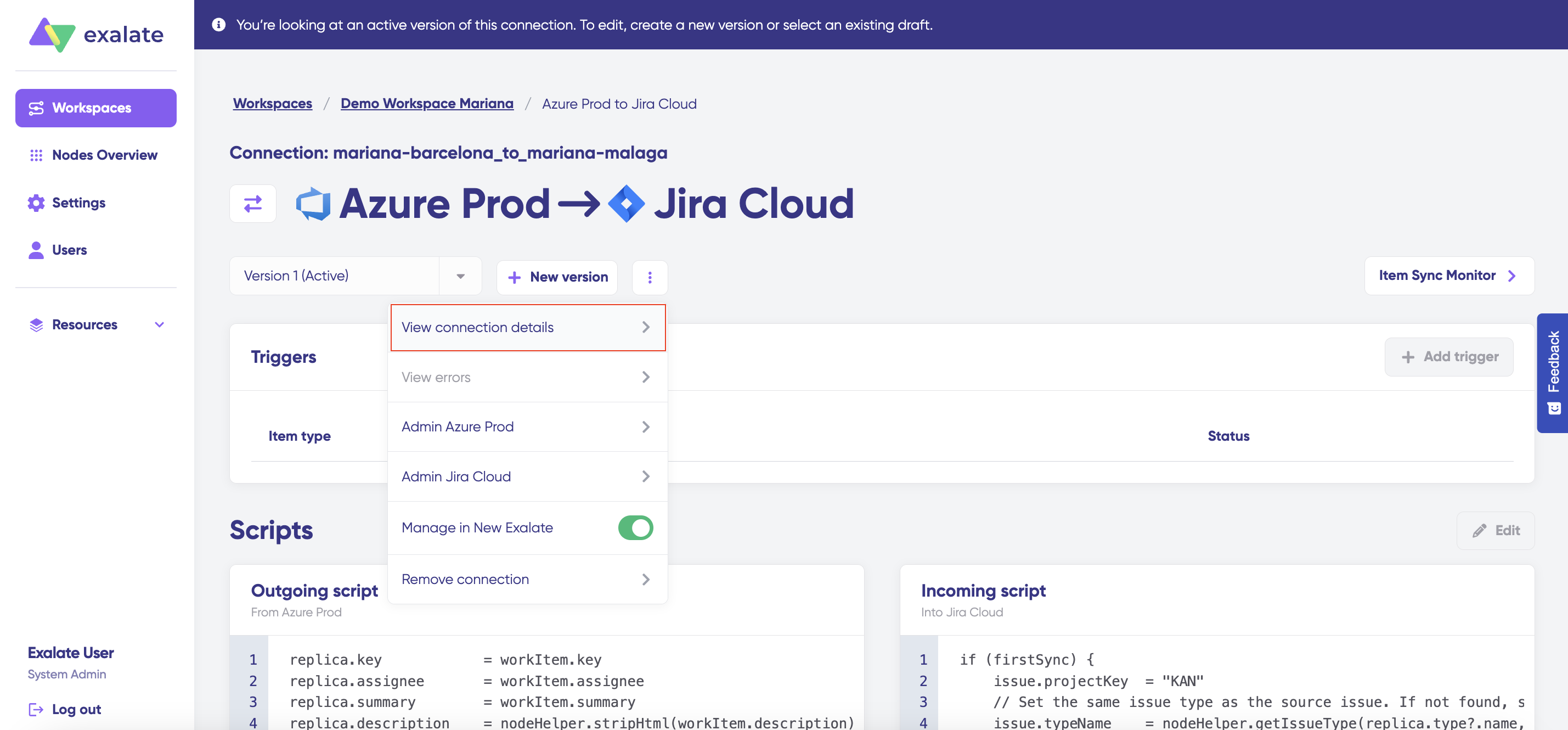
From the Connections list, click the three-dot action button next to a connection and select View connection details.
From the connection configuration page, click the View connection details button in the three-dot action menu.
What You’ll Find Here
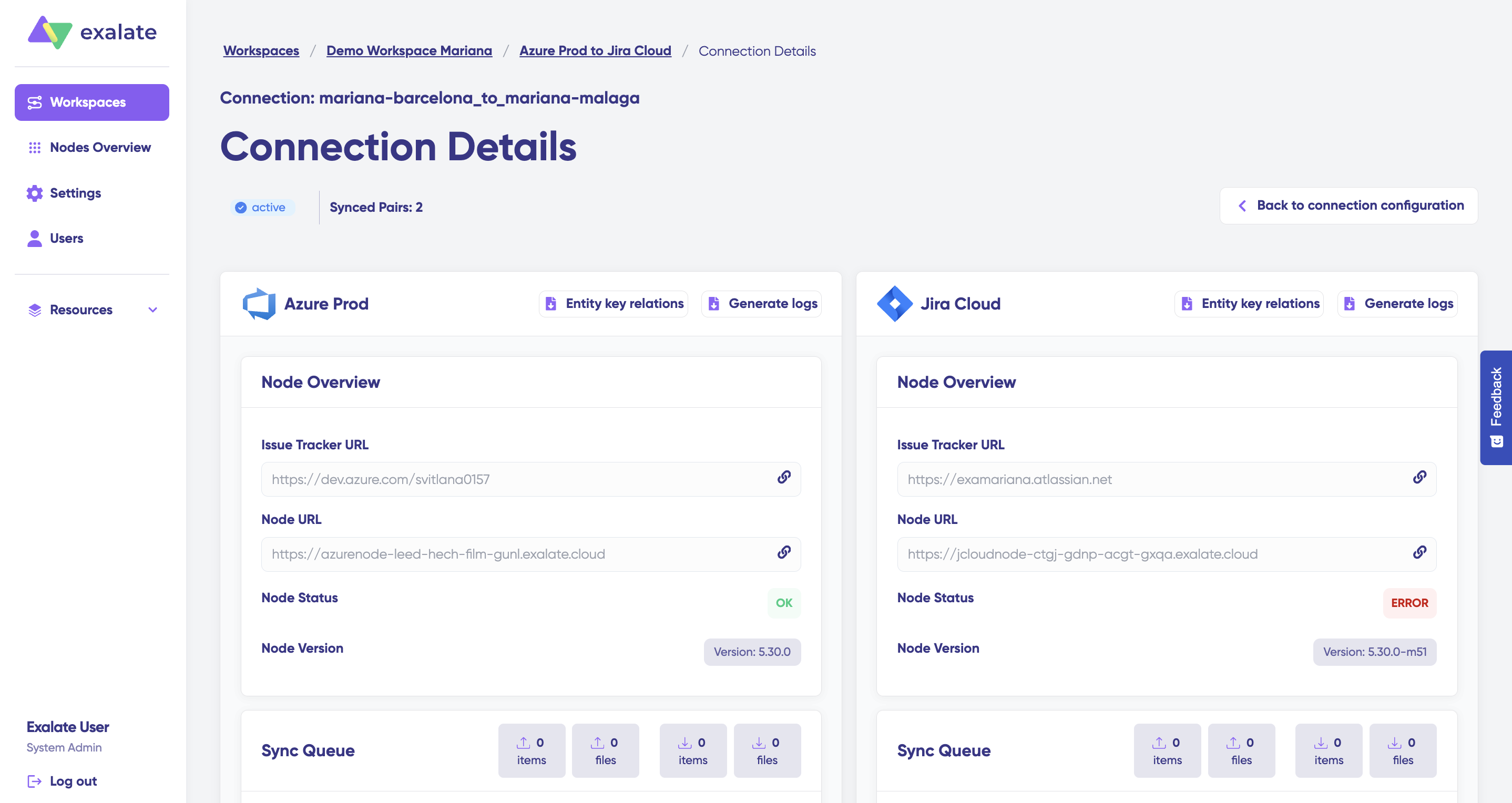
The page provides detailed insights into both sides of the connection:
Connection Status
Number ofsynced pairs
Node status and node version
System and node URLs
Sync queue monitoring
Additional Tools
From this page, you can also:
Generate logs for each node
Export entity key relation files for further analysis or troubleshooting
The Connection Details page is your go-to spot for troubleshooting, validation, and monitoring everything that flows between your integrated systems.