This article applies to Exalate Classic only. For New Exalate, refer to this documentation.
Connections in Basic mode have a set of Sync Rules, generated by Exalate.
In Basic connections, you can only sync cases.
Note: You cannot modify Sync Rules in Basic Mode.
If you want to edit/delete Sync Rules, you can upgrade the connection to Visual Mode or Script Mode.
Set up a Local Connection in Basic Mode from Salesforce
1. Navigate to the Connections tab in the Exalate console.
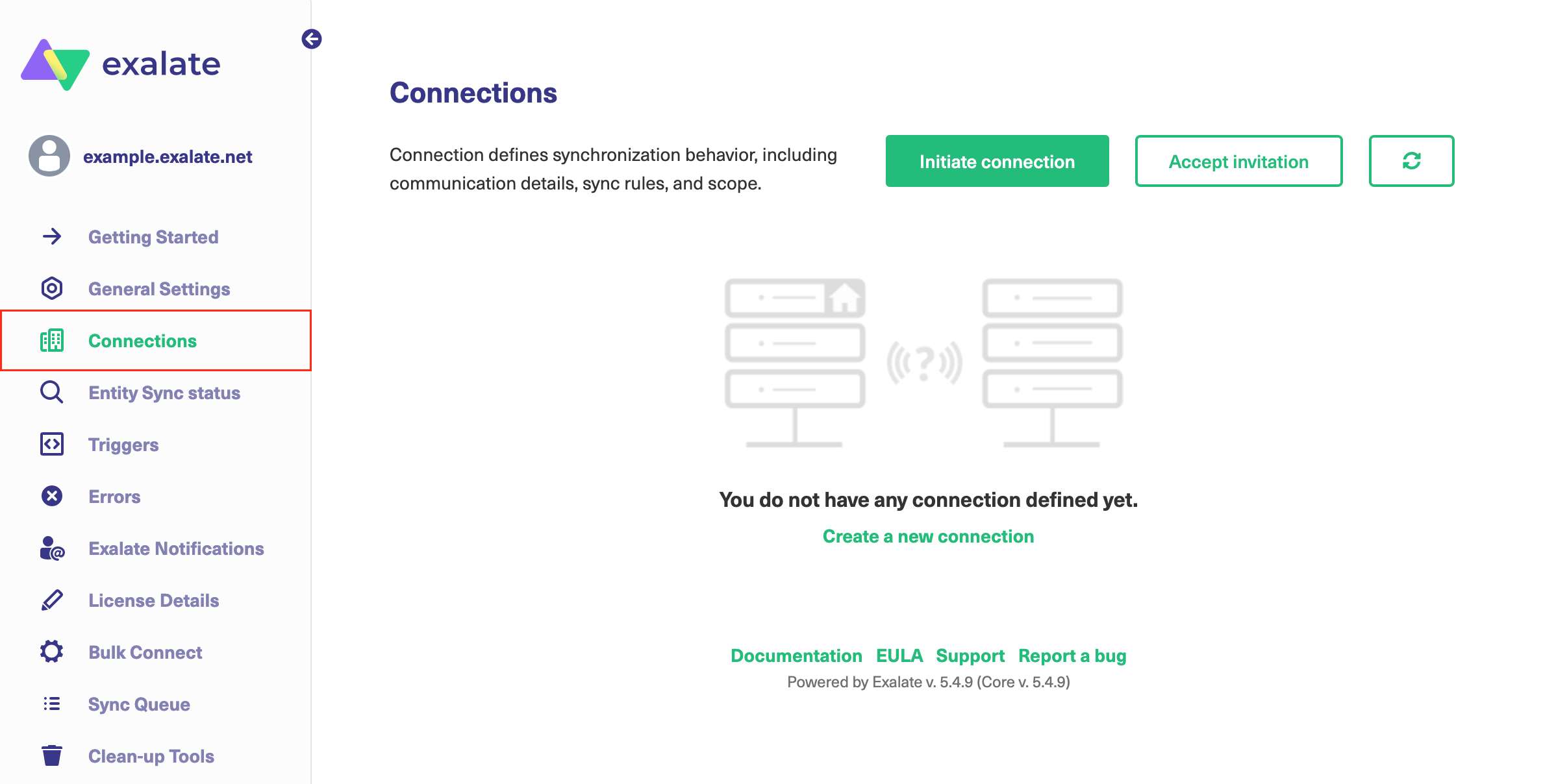
Click Connections.
2. Click Initiate connection.

3. Enter the Destination Instance URL.
The Destination Instance URL is the link to the instance you want to set up a connection with. You can directly enter the link of that instance or the Exalate URL from the General Settings tab in the Exalate admin panel.

Exalate suggests available Configuration Modes based on the destination instance.
4. Select Basic.

5. Click Initiate.
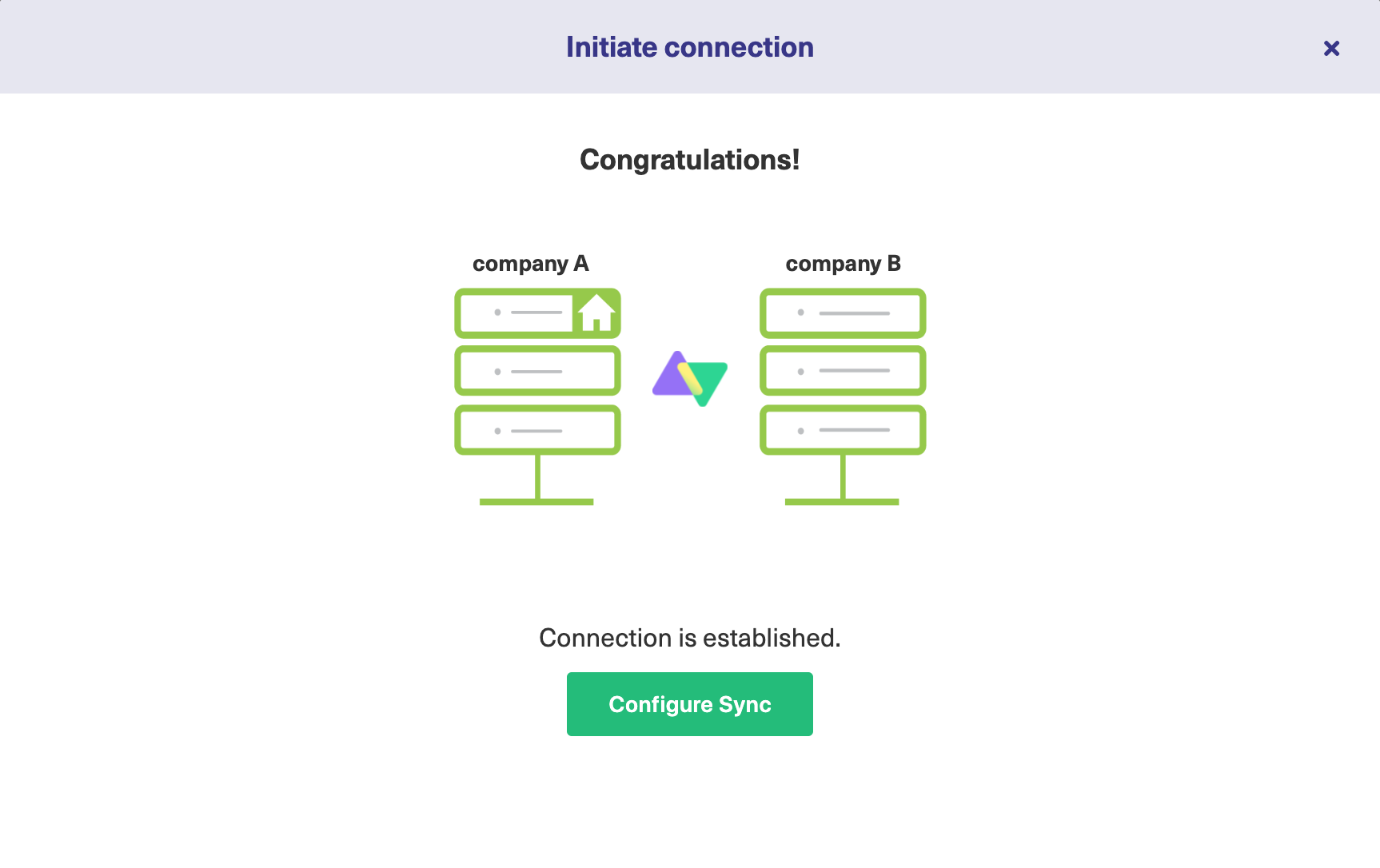
The Connection has been set up.