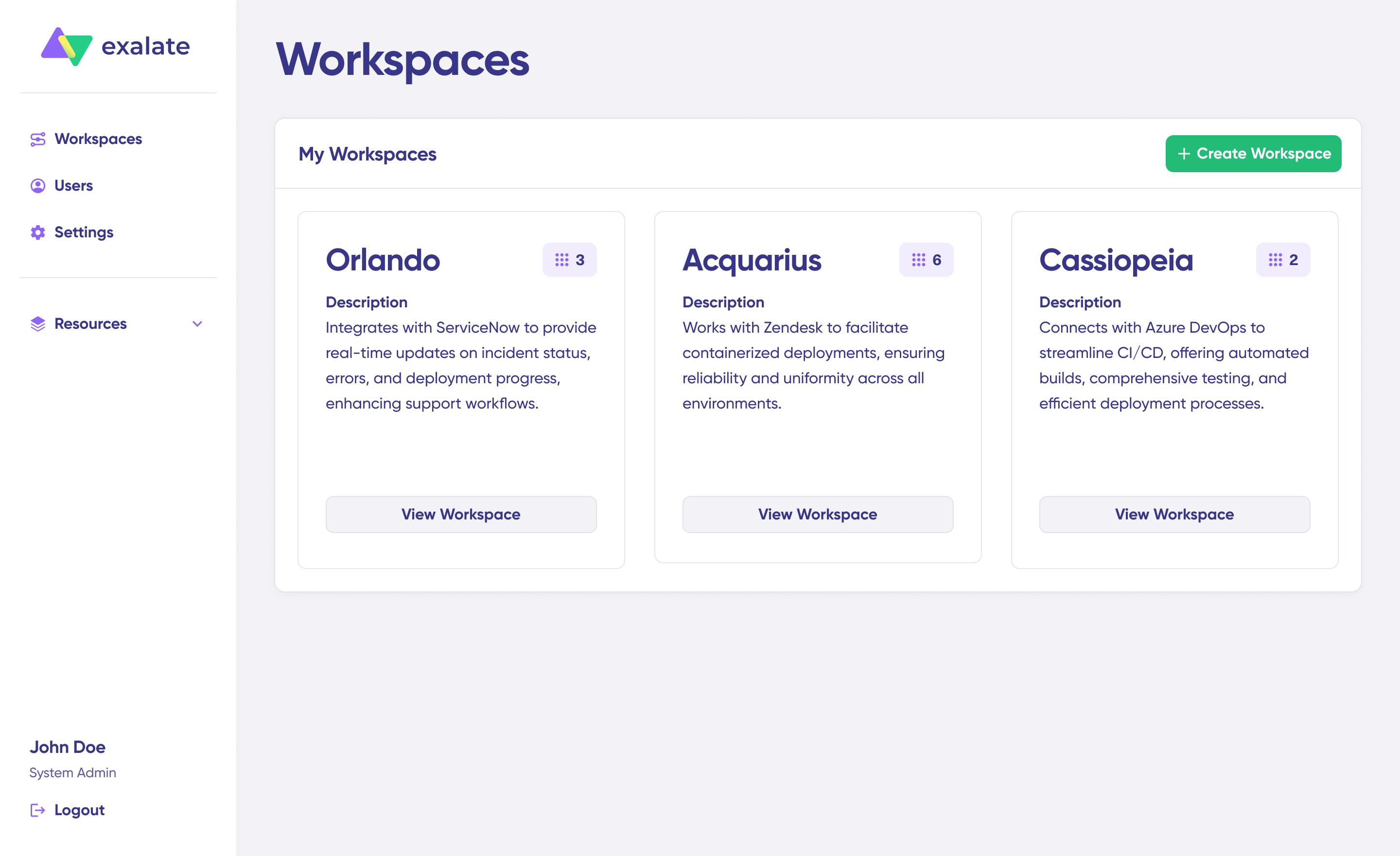
In New Exalate console, Workspaces help you organize and manage your systems and connections efficiently. You can find all existing workspaces under the Workspaces tab.
Adding a New Workspace
To create a new workspace:
- Navigate to the Workspaces tab.
- Click Create Workspace.
- Enter a Workspace Name and a Description.
- Click Create Workspace to confirm.
Once created, you can access the workspace page to start managing connections and nodes.
Managing a Workspace

On the Workspace page, you’ll find:
- The Workspace Name and Description.
- A visual overview of all connected systems.
- A list of the connections in the workspace.
- A list of node requests, showing pending nodes that need approval.
- A possibility to import more connections or nodes to your workspace.